SUPERORBITAL
A downloadable game for Windows, macOS, and Linux
SuperOrbital
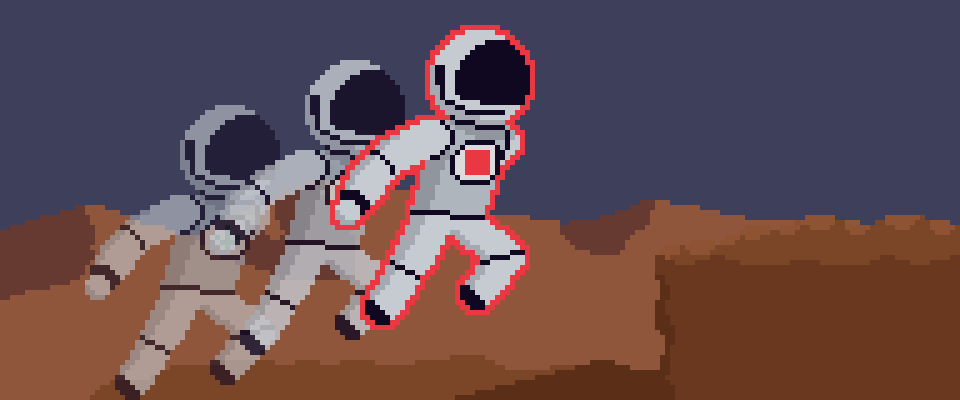
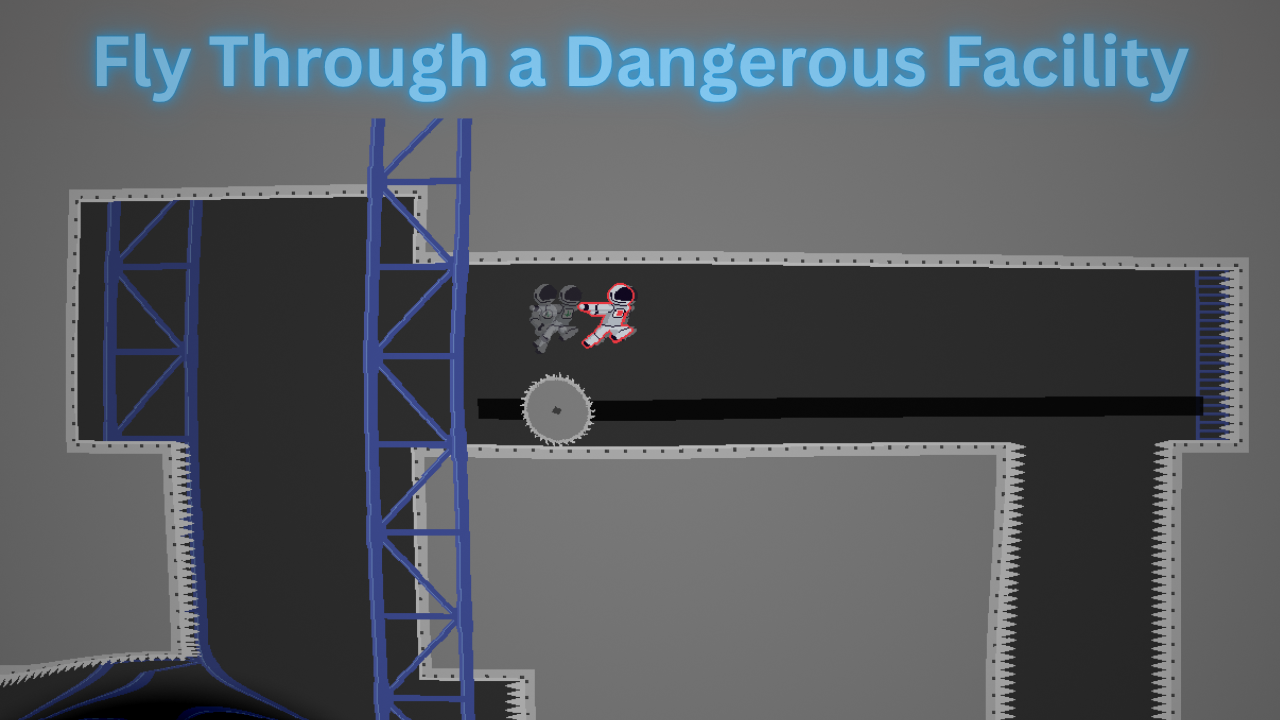
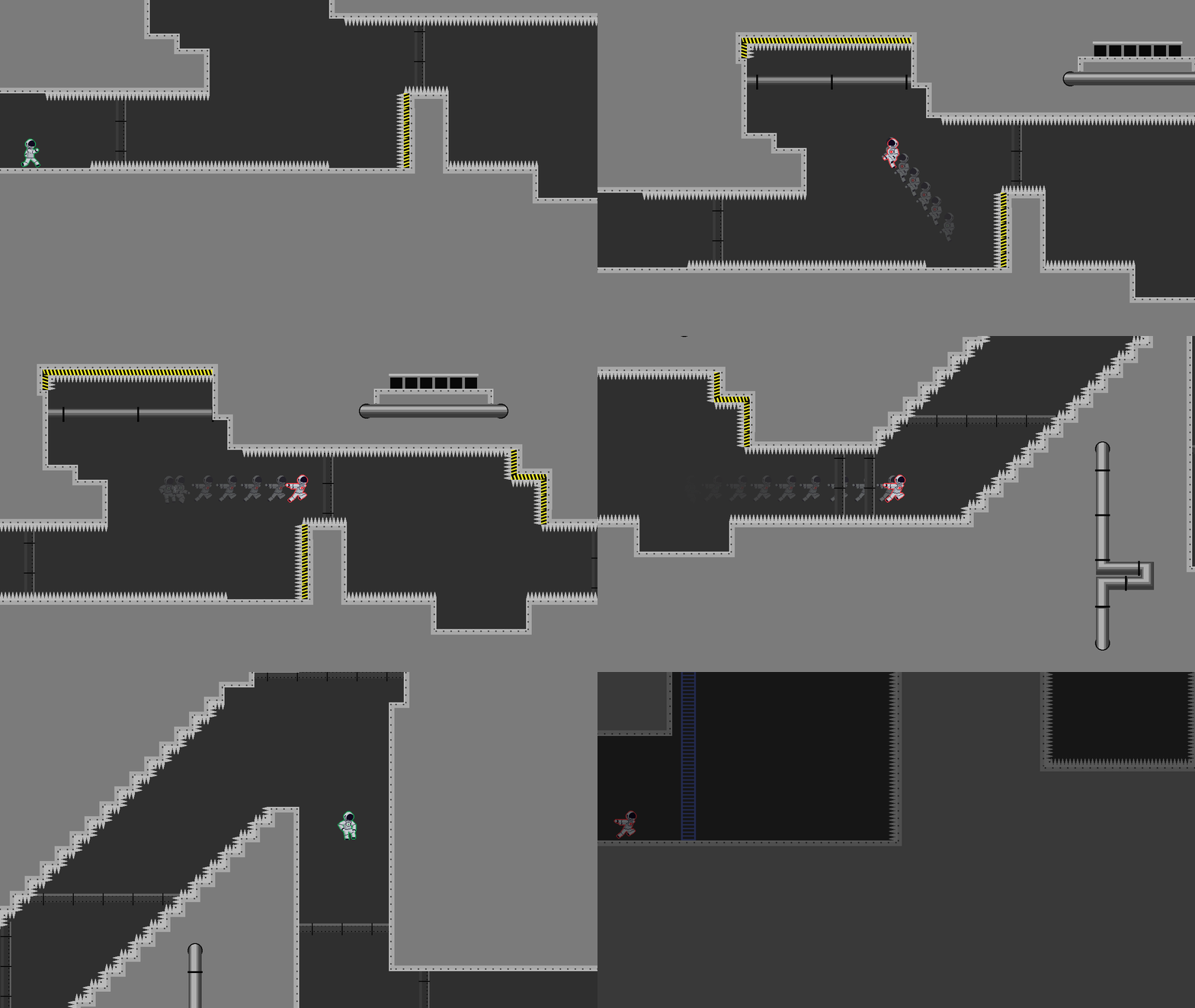
Super Orbital is a 2D precision platformer where you can toggle gravity midair, throw wrenches to control your momentum, and orbit black holes to slingshot around the level.
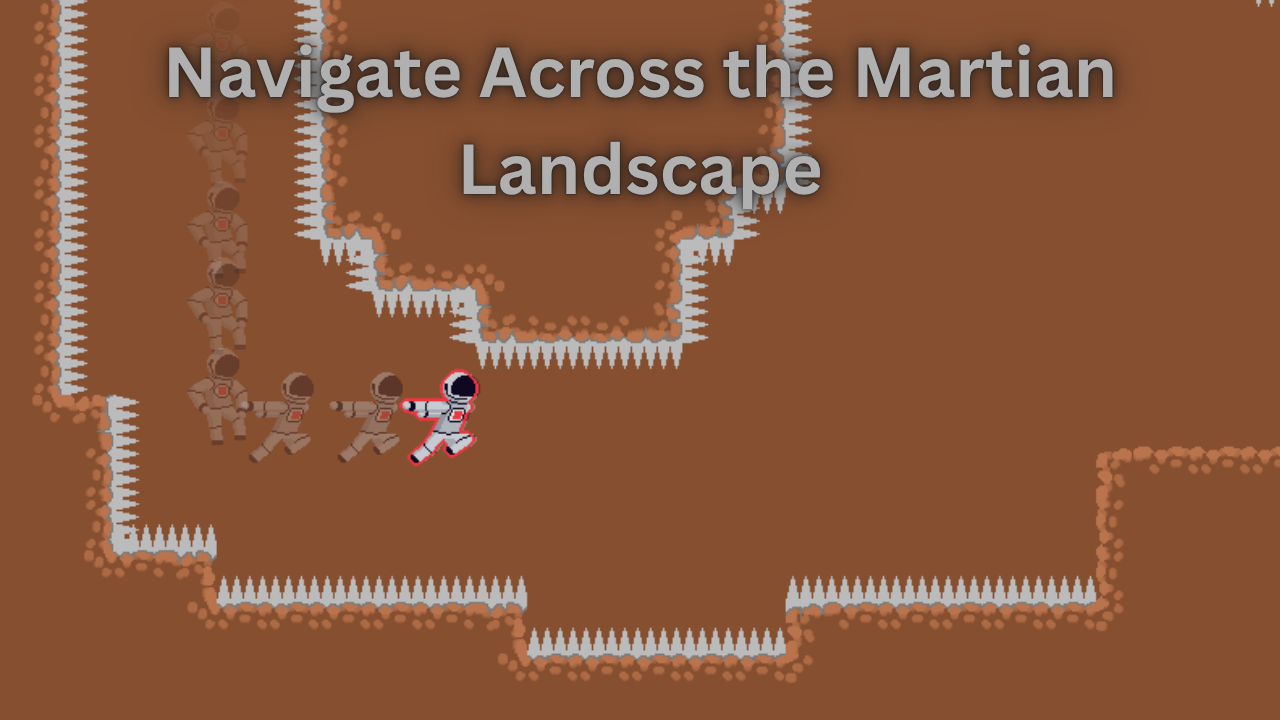
You play as Vitri: the world's first gravitational anomaly. He was born unaffected by the force of gravity, but he wears the Suit of Artificial Density to allow him to turn gravity on and off. Join him as he sets out to a Mars-like planet to discover his own, unique gravity.
Features
SuperOrbital features these unique platformer mechanics that are used in creative ways to make fun levels:
- Gravity Toggling: You can turn off your gravity suit midair. Your momentum will continue until you turn gravity on again.
- Wrench Throws: You can throw a wrench while your gravity is disabled, launching you in the opposite direction.
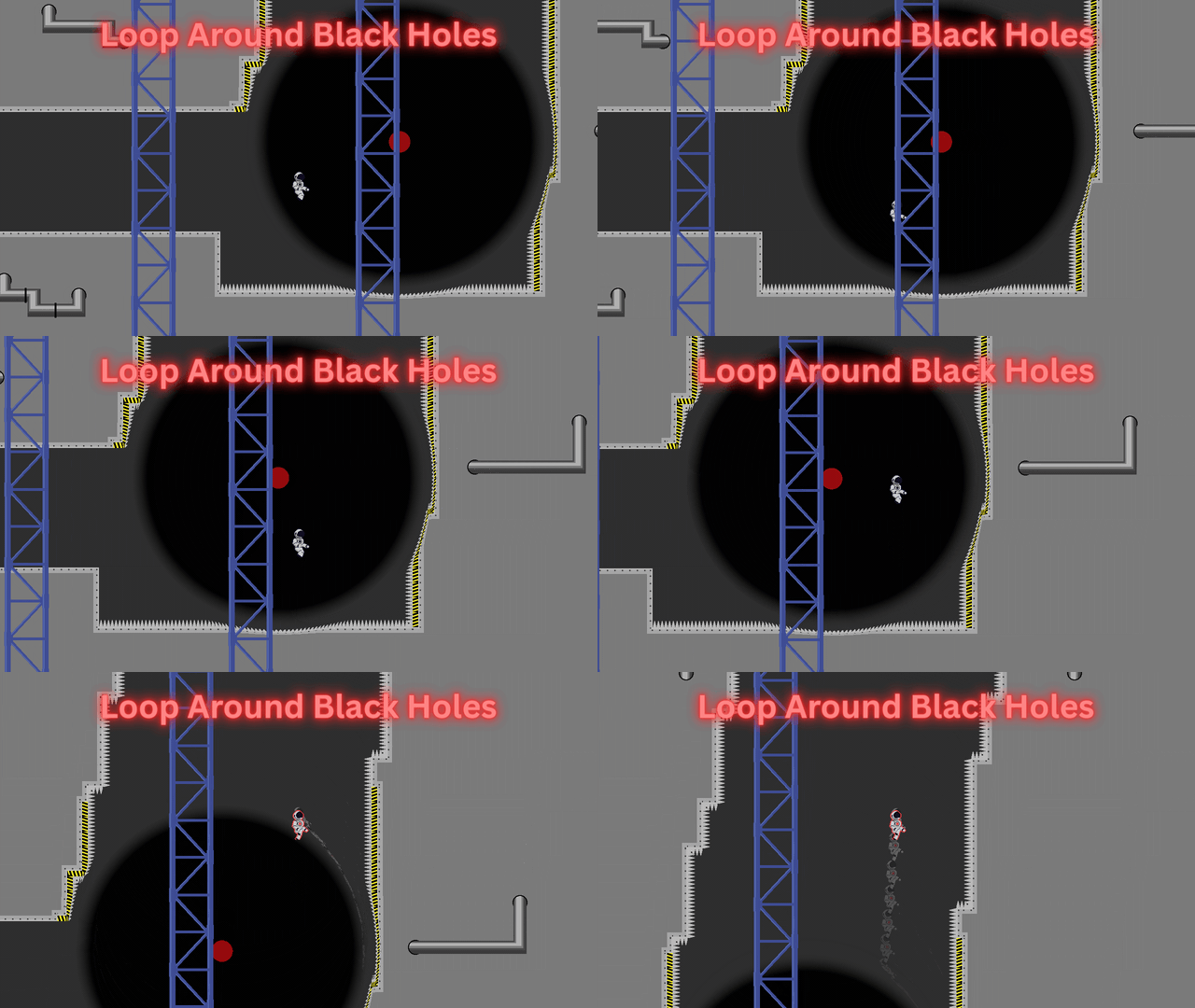
- Black Holes: If you enter a black hole, you will slowly get pulled into the center while orbiting. You can move away from the center or change your orbit direction.
Controls (remappable)
| Key | Action |
|---|---|
| Left | Walk left |
| Right | Walk right |
| Z | Jump (hold the button longer to jump higher) |
| C | Dash (use arrow keys to dash in a specific direction) |
| X | Toggle gravity |
| Arrow Keys + C | Throw a Wrench (launching you in the opposite direction) |
| C (inside a black hole) | Reverse orbit direction |
| Up (inside a black hole) | Move away from the center of the black hole |
The game has a fairly short storyline that goes along with platforming gameplay.
How to Download
Windows
- Download superorbital_win.zip.
- Unzip the file.
- Double click on superorbital.exe to run the game.
- Windows Defender may give you a warning that the file is unsafe. You can bypass this by pressing More Info and then Run Anyway.
Troubleshooting
Some antiviruses might incorrectly flag this game as suspicious because the executable is not digitally signed. You may have to temporarily allow the game through your antivirus software panel.
macOS
- Download superorbital_mac.tar.gz.
- Extract the file.
- Right click on the app SuperOrbital, and press Open. DO NOT simply double click the file, as Gatekeeper may block the game.
Troubleshooting
On some newer Apple devices, the above mentioned method for bypassing Gatekeeper might not work. You can try this method, though:
- Open System Settings
- Go to Security & Privacy
- Scroll all the way down to Security
- Look for a message that says something like "Super Orbital was blocked to protect your Mac."
- Click Open Anyway.
- Type in your password in the next popup.
- Then try again to open the application.
Linux
Once you download superorbital_linux.tar.gz, you must extract the file.
Using command line tools:
- Navigate to where you downloaded the file.
- Extract the file:
tar -xf superorbital_linux64.tar.gz
./superorbital_linux64.x86_64
If you use a graphical file manager, the exact process of extracting the file depends on which file manager you use.
Troubleshooting
If you get a message saying invalid permissions or permission denied, it may be that the file is not marked as executable by default.
- Give executable permissions to the file:
chmod +x superorbital_linux64.x86_64 - Try to run again:
./superorbital_linux64.x86_64
This game was a submission to Stardance.
The source code is available here.
Note that this is the alpha version of the game, meaning that everything you see here is subject to change. Please email any and all bugs you find to orivioyt@gmail.com
Download
Click download now to get access to the following files:
Development log
Leave a comment
Log in with itch.io to leave a comment.